Horizontal Instagram post size defines the pixel and ratio rules a creator must follow. This guide gives clear dimensions and quick steps for proper landscape images. It shows how Instagram crops posts, how thumbnails behave, and how to export images with the right settings. It also lists composition and text tips that help images perform better in feed and explore.
Key Takeaways
- The ideal horizontal Instagram post size is 1080 pixels wide with aspect ratios of 1.91:1 or 16:9 to ensure optimal display quality.
- Instagram crops horizontal posts differently across feed, explore, and profile grids, so important elements should stay within the central 80% safe zone to avoid being cut off.
- Export images with sRGB color profile, JPEG format at 76–92% quality, and keep file size under 15 MB for best clarity and upload speed.
- Use the rule of thirds for composition and keep text bold, concise, and within the safe zone to enhance readability and engagement on horizontal Instagram posts.
- Preview horizontal images on mobile, desktop, and profile grids before posting to maintain consistent appearance and boost profile click-through.
- Increasing engagement involves pairing high-quality landscape posts with clear captions, relevant hashtags, location tags, and posting at peak audience times.
Recommended Horizontal Dimensions And Aspect Ratios
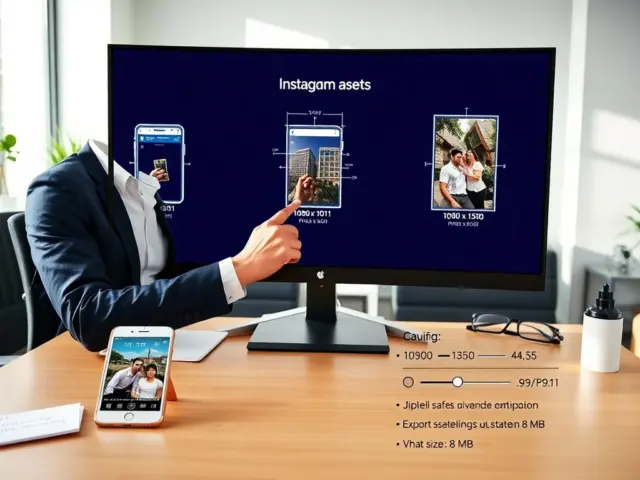
Instagram accepts several horizontal aspect ratios for posts. Use 1.91:1 (landscape) and 16:9 for wider frames. The platform displays landscape posts best at 1080 px wide. Export horizontal instagram post size at 1080 x 566 px for 1.91:1. For 16:9 export at 1920 x 1080 px and then downscale to 1080 x 608 px. Instagram stores images at a max width of 1080 px. When a user uploads an image wider than 1080 px, Instagram resizes it. When a user uploads images smaller than 320 px, Instagram may upscale and lose clarity. Photographers should keep horizontal instagram post size within 320–1080 px wide to avoid quality loss.
How Instagram Displays Horizontal Posts (Feed, Explore, Profile)
Instagram shows landscape posts differently across locations. The feed displays the image at a fixed width with visible crop. The explore grid shows a thumbnail crop. The profile grid uses square thumbnails taken from the center of the image. Creators should check each display mode before finalizing an image.
Feed Cropping And Safe Zones For Horizontal Images
Instagram crops landscape images when the display area forces a different ratio. The app centers the crop by default. The safe zone sits in the center 80% of the frame. Designers should place critical elements inside the central 80%. This practice reduces the risk that text or faces get cut off. When designers use overlays, they keep them inside the safe zone. When they preview posts, they test crop on both mobile and desktop.
Thumbnail And Profile Grid Behavior For Landscape Posts
Instagram creates square thumbnails from the image center. The app crops the left and right edges. Photographers should avoid placing logos or text near edges. When a user posts multiple landscape images, the grid shows only the center slice. Users who want consistent grid appearance should preview the profile grid before posting. They can also upload a square-safe version for the grid and a full landscape for the post.
Image Preparation: Export Settings, File Formats, And Quality Tips
Export settings affect how Instagram renders a landscape image. Save as JPEG for photos. Use sRGB color profile on export. Set quality between 76–92% to balance size and clarity. Keep file size under 15 MB to ensure fast upload. For images with text or sharp edges, use PNG when file size allows.
Photographers should sharpen slightly before export. Apply output sharpening for screen at low or standard strength. Avoid heavy noise reduction. Heavy smoothing reduces perceived detail.
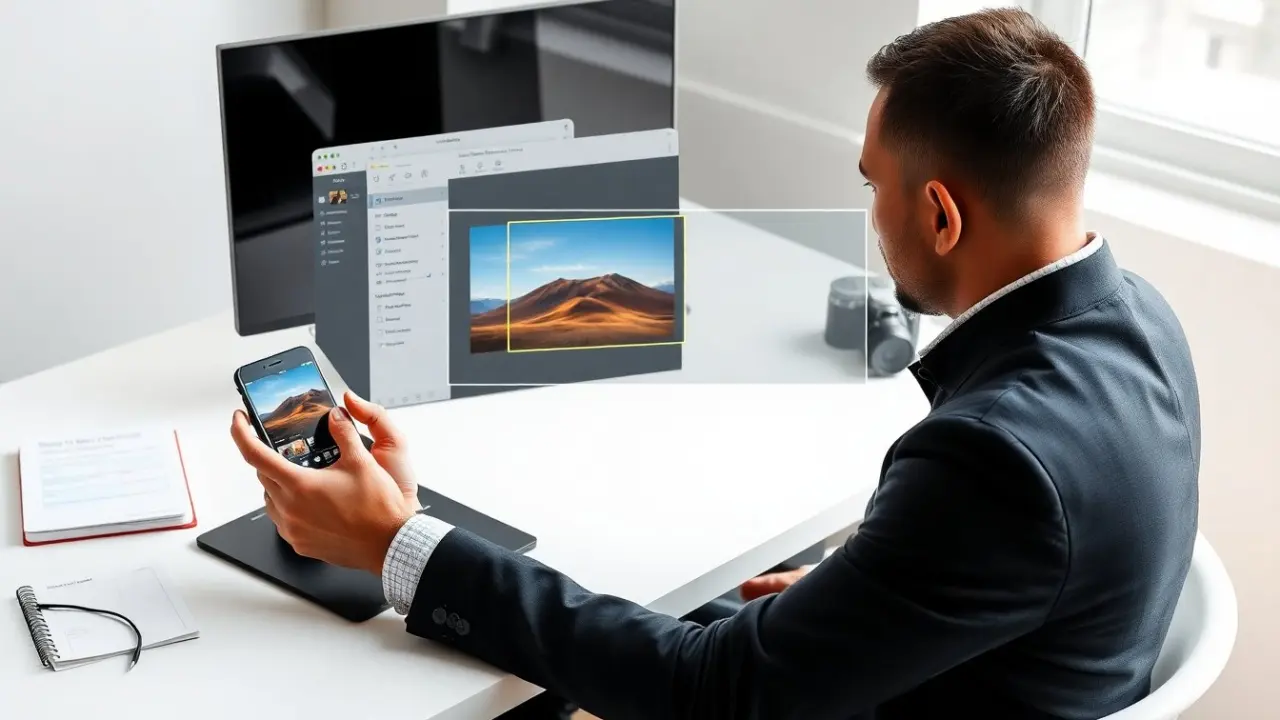
When exporting, set dimensions to site-ready sizes. For horizontal instagram post size use 1080 px width at the correct aspect ratio. Double-check that the canvas uses sRGB. Test an exported file on a phone to confirm colors and sharpness. If colors shift, check for embedded profiles and convert to sRGB.
Best Practices For Composition, Text Placement, And Engagement With Horizontal Posts
Good composition drives engagement for landscape posts. Use the rule of thirds to place subjects on left or right thirds. Use negative space on one side to add caption or call-to-action in the post copy. Keep horizon lines level. Avoid placing the main subject at the extreme edges.
For text placement, keep text inside the center 80% safe zone. Use bold, high-contrast type when text appears on the image. Use short text lines. Test legibility on a phone before posting. When adding logos, place them in a corner but not within 5% of the edge.
To boost engagement, pair a horizontal image with a clear caption and a first comment that adds tags or hashtags. Add 3–7 relevant hashtags to reach niche audiences. Tag locations to increase discoverability. Post at peak times for the target audience. Use A/B tests with two slightly different crops to see which version gets more saves and shares.
Creators who plan a grid look should preview how a landscape image appears in the profile grid. They should maintain visual rhythm with similar crops and colors. This step improves click-through to the profile and increases follower growth.