Start with the decision that shapes everything else: what the image must do on the page. For photography tips for blog images, shoot RAW, keep ISO low, stop down when detail matters, and export JPEG in sRGB.
Photography for web publishing differs from photography for print because the finished file is a JPEG in the sRGB color space, named so search engines can understand it, and dropped into a layout. Those facts should shape choices from the first frame, not only at the export stage.
Choosing where to start
The right starting point depends on what you are photographing and how much control you have over the light. Pick the situation below that matches your next shoot and begin with the matching section.
- Blog scenes in available light: begin with the exposure triangle and with how light falls on the subject. You cannot move a window, so your choices are camera position, aperture and timing.
- Products on a tabletop: begin with a fixed camera position, a single controlled light and a repeatable routine. Consistency across a set of product images matters more here than any single dramatic frame.
- Small reflective items such as rings and earrings: begin with light direction. Reflections decide whether the piece looks sharp and bright or flat, so lighting comes before lens choice.
- Deciding what to buy: begin by naming the type of images you publish most often. A body, a lens and a light each solve a different problem, and the comparison near the end of this guide helps you rank them.
Whichever path you take, three habits carry over. Shoot RAW so edits stay flexible. Keep the camera steady whenever the shot allows it. Decide before you shoot whether the background should be sharp or soft, because that single choice drives aperture, lens and distance.
Camera settings that suit web images
The best camera settings for web images are the ones that give you a clean, flexible file, then let you balance exposure for the subject in front of you. Canon’s photography tips give a clear baseline for product work, and the same logic applies to simpler blog scenes.
File format: shoot RAW
Canon’s guidance is to always shoot RAW so you have full editing flexibility later. For web publishing that advice carries extra weight, because the file you upload is a compressed export. The RAW original is the version you can return to when a layout changes, when you need a different crop, or when a colour correction needs a second pass. Treat the RAW file as the master and the web JPEG as a disposable copy.
The exposure triangle
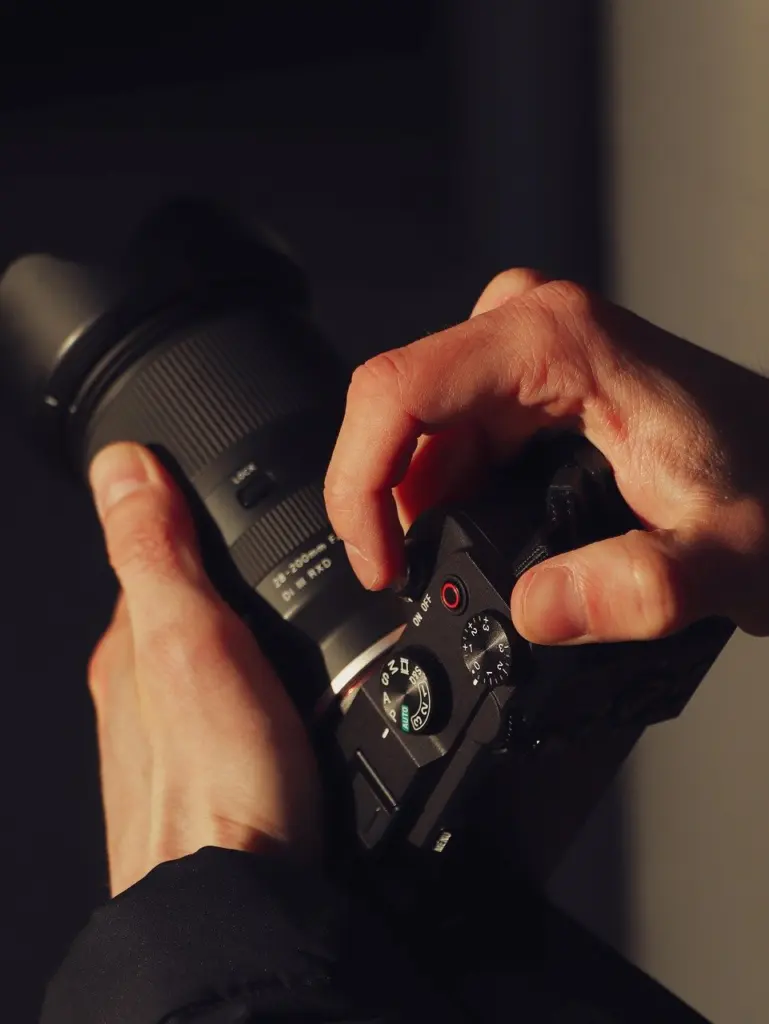
Blurb’s photography tips point beginners to the exposure triangle: balancing ISO, shutter speed and aperture to get the correct exposure. The useful part of that idea is that no setting stands alone. If you narrow the aperture for more sharpness, the image gets darker, so you compensate with a slower shutter speed or a higher ISO. Decide which of the three matters most for the picture, fix it, and let the others follow.
- Aperture first when the look of the background matters, such as a soft lifestyle backdrop or a catalog shot that must be sharp throughout.
- Shutter speed first when anything in the scene moves. Handheld shots need a speed fast enough to avoid shake, while a tripod removes that limit for still subjects.
- ISO last in most cases. Raise it only as far as the light forces you to, because the aim is a clean file.
Settings by scenario
These starting points come from the same Canon guide and from the exposure principles above. Treat them as a first frame to adjust from, not a fixed recipe.
- Tabletop product shot: aperture between f/5.6 and f/8, ISO 100 or 200, shutter speed adjusted to the available light with the camera on a tripod, and Live View with manual focus for total control.
- Jewelry: side lighting with f/8 for sharp details and sparkle.
- Blog scene in ambient light: choose the aperture that gives the background you want, then use shutter speed and ISO to reach a correct exposure. Keep ISO as low as the light allows.
- Any scenario: record RAW, and review the frame at full size on the camera or a computer before you assume it is sharp.
The sections below take each of these ingredients further, starting with the aperture choice that most visibly changes a web image.
Aperture, sharpness and background blur
Aperture is the setting that most obviously separates a catalog image from a lifestyle image. Canon’s guide describes the typical product sweet spot for depth of field as f/5.6 to f/8, which keeps sharpness across the frame. That range suits listings, galleries and any image where the viewer should see every edge of the object.
A wider aperture does the opposite job. It softens the background and pulls attention toward the subject, which helps editorial and lifestyle images where the setting is only a mood. The same guide notes that a prime lens gives you that flexibility: use a wide aperture for blur, or stop down to f/5.6 to f/8 for edge-to-edge sharpness. Choose by purpose. If the picture must sell the object, stop down. If the picture must set a scene, open up.
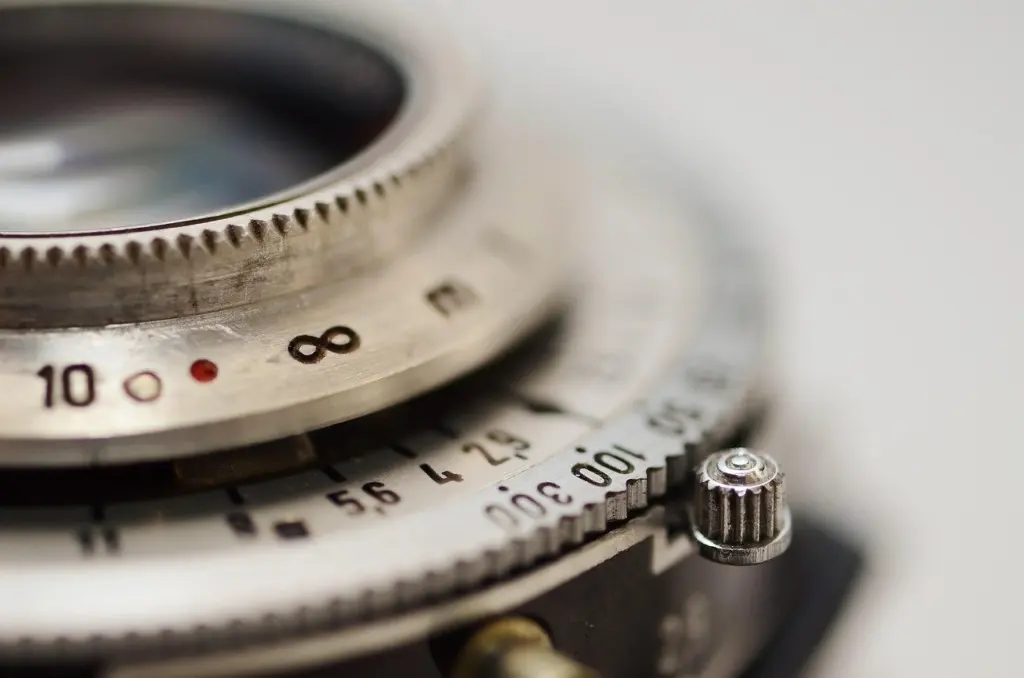
Stopping down is not a cure for every sharp-focus problem. A blurry image can come from shake as readily as from depth of field, so pair a narrower aperture with a steady camera. If your results still look soft, how to take sharp photos walks through the other causes. Wide-aperture background effects have their own techniques, covered in the guide to How To Blur Background In Photos: Simple Techniques For Professional-Looking Bokeh – Imagesup.
Lighting you need at home
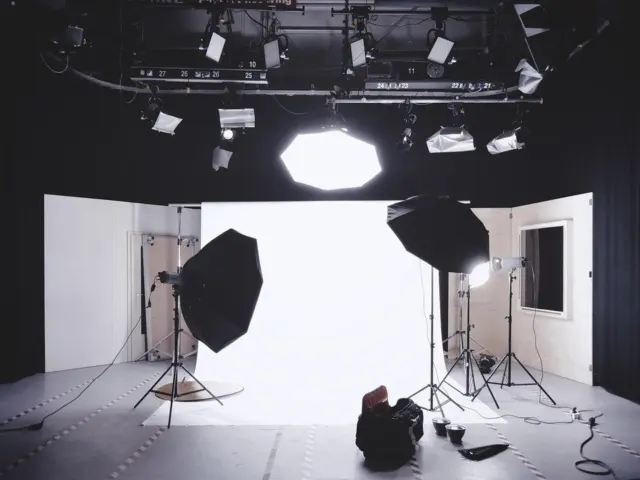
You need one good light source, a way to soften shadows and a single colour of light. A window or a softbox can serve as the light, and a bounce card is the simplest tool for controlling shadows. Canon’s guide builds a simple product setup around exactly those pieces.
The key light
Canon advises placing the light, whether a window or a softbox, at a 45° angle to your subject. That angle gives the object shape without throwing a flat frontal glare or a harsh sideways shadow. A window is a legitimate starting point because the guide names it alongside the softbox, so a first shoot does not require a purchase. A softbox earns its place when you want the light to be available at any hour and in the same position every time.
Blurb’s advice to watch the way light moves and look for light coming from surprising sources is a useful habit on top of that. Light changes as the day goes on, so a window setup that worked at one moment may look different later. When consistency matters, finish a set of product images in one sitting.
Controlling shadows
Canon recommends a bounce card opposite the light to soften shadows. Place it on the side away from the key light and adjust its position until the shadow side opens up without losing all shape. A fully lit object often looks flat, so aim to soften the shadows, not remove them. For more on shaping fill light, see how to use a reflector in photography.
One colour of light
The same guide says to avoid mixing light sources, for example daylight with tungsten bulbs. Mixed sources push colour in different directions across the same object, which makes correction harder and makes a series of images look inconsistent. At home, switch off room lamps while you shoot by a window, or move the whole setup to a single source. When colour still looks off, how to set white balance covers the correction.
Light is also the first thing to adjust when a jewelry or glossy-product shot looks wrong, which is why lighting has its own dedicated guide: Lighting For Product Photography: Practical Techniques To Make Products Pop In 2026 – Imagesup.
Photographing products for a website
To photograph products for a website, fix the camera on a tripod, light the product from one side at an angle, soften the shadows and keep the setup identical across the whole range. Consistency of framing and light matters as much as the quality of any one image, because shoppers compare items side by side.
Camera position and focus
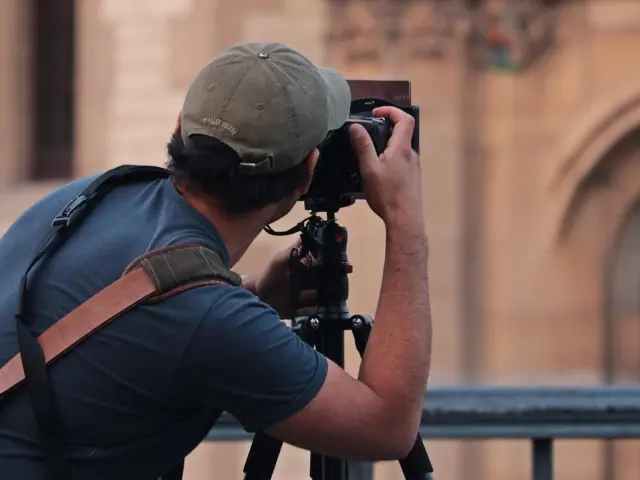
Canon’s advice is to mount your camera on a tripod for consistency and clarity. Beyond sharpness, a tripod lets you shoot every item from the same distance and height, so a product grid looks like a deliberate set. Combine it with the Live View and manual-focus approach from the settings section so the focus point stays where you placed it, not where autofocus guesses.
Lens choice
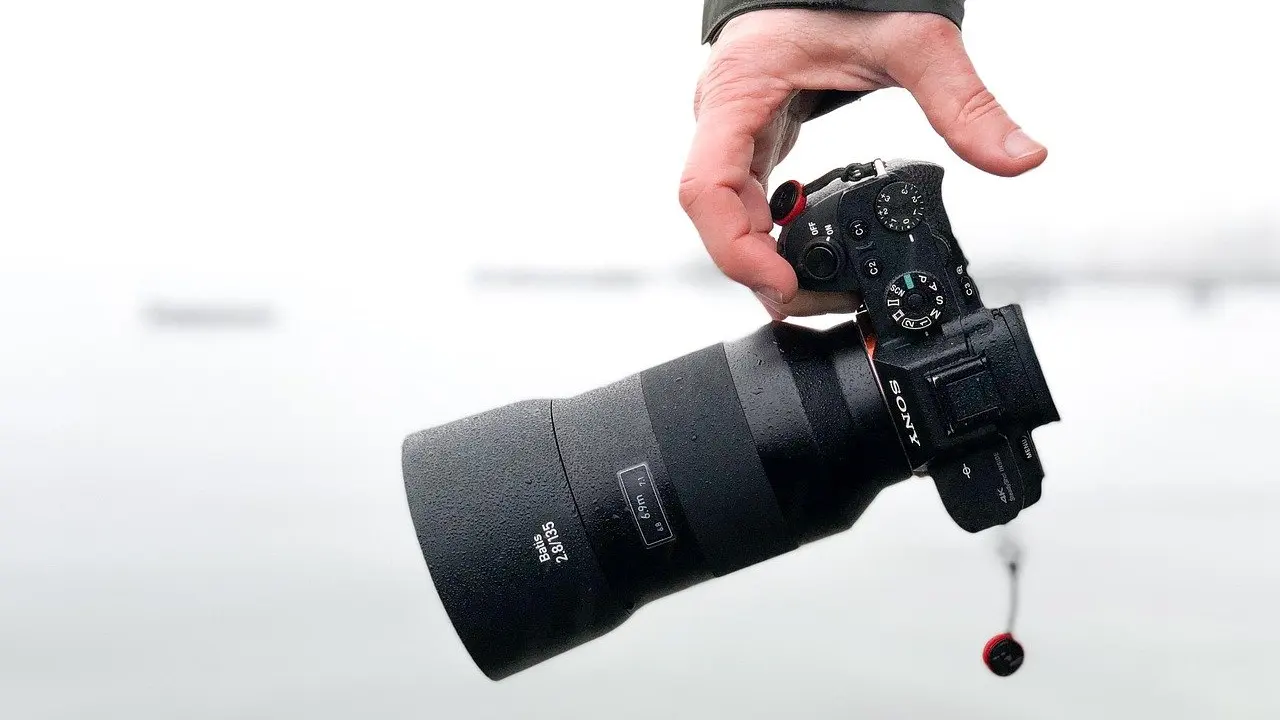
Canon points out that a prime lens offers close focus that is great for tabletop setups and detailed shots. That is why a simple prime is a reasonable first lens for product work: close focus lets you fill the frame with a small object, and the aperture flexibility described earlier lets you choose sharpness or blur per image.
Special cases
Small, shiny items need their own treatment. The jewelry advice in Canon’s guide, side lighting with f/8, shows how much the light direction matters for sparkle. A full walkthrough sits in how to photograph jewelry, which follows this routine and adapts it to reflective pieces.
If you are still deciding what counts as product photography and how product images differ from other commercial images, What Is Product Photography? The Essential Guide For Sellers And Marketers (2026) – Imagesup sets out the basics.
Composition for the web layout
Composition for web publishing has an extra constraint: the same image is cropped and resized by themes, thumbnails and social previews. Frame with that in mind. Leave the main subject comfortably inside the frame so an automatic crop does not cut it, and decide whether the picture needs to hold up as a small thumbnail as well as a full-width header. The wider craft is covered in photo composition techniques, and the thirds grid in particular is explained in How To Use The Rule Of Thirds: Simple Composition Tips To Improve Your Photos Today – Imagesup.
Preparing files for publishing
Export web images as JPEG in the sRGB color space. That is Canon’s recommendation for web use, and it is the step that turns the RAW master into a file browsers display predictably. Keep the RAW original alongside it so a later edit never starts from a compressed copy.
File naming is the other publishing habit that photography guides often skip. Format’s advice for photography blogs is to make sure your images are named with SEO in mind, and the Format guide to starting a photography blog treats that as part of the publishing routine, not an afterthought. In practice, that means replacing a camera-generated file name with words that describe what the image shows before you upload it.
A final check before uploading: confirm that every image in a set shares the same colour treatment. Consistent light at the shoot, a single colour of light and one export setting do most of that work before any editing begins.
Gear comparison
Gear matters less than light and technique, but it shapes your workflow. The table compares the options discussed in Canon’s guide on the criteria that affect web and product work, and the judgement column shows when each is worth choosing.
| Option | What the guide credits it with | Planning use |
|---|---|---|
| DSLR body | Real-time optical viewfinder with no lag, and longer battery life described as perfect for long shoots | Suits static studio sessions where you frame through the viewfinder for hours |
| Mirrorless body | No mirror mechanism or optical viewfinder, unlike a traditional DSLR | Choose it when you want the newer design and can accept the different viewing experience |
| Full-frame sensor | Better dynamic range, low-light performance and creamy gradients | Worth considering when tonal range and dim rooms are regular challenges |
| Prime lens | Close focus for tabletop and detailed shots, with aperture flexibility from wide blur to f/5.6 to f/8 sharpness | A strong first lens for products and detail work |
| Nikon 50mm f/1.8G | Described as fast, sharp and accurate | An example of an everyday prime to compare against others at a similar focal length |
Figures and descriptions in the table come from Canon’s photography tips.
Read the table as a ranking of what to buy, not a mandate. A prime lens and a controlled light usually improve web images more than a new body, because they address the choices described earlier: sharpness, blur and shadow. Choose a body for the way it handles in your hands during a shoot, and decide on a full-frame sensor only if your light is regularly poor.
Where to go next
Once the basics are in place, these guides take individual situations further.
- Commercial styling: Lifestyle Product Photography: How To Shoot Authentic, Sellable Images In 2026 – Imagesup covers products shown in context, which pairs with the wide-aperture approach above.
- Interactive product views: 360 Product Photography: How To Create Interactive Product Spins That Convert In 2026 – Imagesup builds on a consistent, tripod-based setup.
- Outdoor light: Golden Hour Photography: 12 Pro Tips To Capture Dreamy Light Every Time – Imagesup applies the light-watching habit to outdoor scenes.
- Low-light exposure: Camera Settings For Fireworks: A Simple 2026 Guide To Crisp, Colorful Shots – Imagesup shows the exposure triangle working in difficult conditions.
- Framing practice: Rule Of Thirds Examples: 7 Practical Compositions To Improve Your Photos In 2026 – Imagesup offers worked compositions to try on your own images.
- People photography: How To Take Great Photos Of Yourself: 7 Simple Steps For Better Selfies & Portraits – Imagesup applies the same light and framing ideas to portraits of yourself.
Frequently asked questions
How high can ISO go before files stop looking clean?
It depends on the body. Canon’s guide describes a Nikon body that shoots clean files up to ISO 1600 and beyond, while recommending ISO 100 or 200 for clean product files. Use the low setting whenever you control the light.
Do I need to focus manually for product shots?
Not strictly, but Canon’s guide recommends Live View with manual focus for total control. It keeps the focus point where you placed it, which helps when you shoot many similar frames.
Is a full-frame camera necessary for good web images?
No. Canon’s guide credits a full-frame sensor with better dynamic range, low-light performance and creamy gradients, which helps in difficult light. For controlled tabletop work, a steady camera and good lighting matter more.
Do blog photos need different settings from product shots?
The principles are the same, with different priorities. Shoot RAW and balance the exposure triangle in both cases, but choose a wider aperture for scenes and a stopped-down aperture for products where every edge must be sharp.