Landing page design samples show that conversion comes from one offer, one clear call to action and imagery that supports both; a striking hero image alone does not carry a page.
Picture a page with a beautiful photo, a full menu and a long form that still attracts few signups. The samples below point to the fixes: remove choices, shorten the ask and make every image earn its place. The wider principles behind image-led layouts sit in web design with images best practices.
Misconceptions about what makes a landing page convert
A landing page has a single purpose: collecting visitor information for one offer, usually through a form, as IMPACT’s landing page examples put it. Most design mistakes come from forgetting that purpose and treating the page like a miniature website. The table sets four common beliefs against what the annotated samples actually show.
| Common belief | What the samples show | Planning use |
|---|---|---|
| Visitors want navigation and options | The Sheffield Metals page removes all distractions, including links and popups. Landing page templates deliberately minimize navigation, remove sidebars and eliminate anything that could distract. | Cut the menu and secondary links before you adjust colours or fonts. |
| A good template guarantees results | Conversion depends on factors a template cannot control: offer strength, headline clarity, audience targeting, page speed and trust signals. | Treat a template as a starting structure and put your effort into the offer and the headline. |
| Forms need many fields to be worthwhile | Zenefits places a single-field form above the fold, making conversion as easy as possible. | Ask only for what the next step needs. |
| Any attractive hero image will do | EF Ultimate Break uses high-quality imagery that aligns with the offer and the messaging. | Choose a picture that illustrates the offer, not merely one that looks good. |
Annotations are drawn from IMPACT’s landing page examples and Colorlib’s landing page template overview.
The second row matters most for anyone copying a sample wholesale. A layout that works for one brand carries its offer, audience and reputation with it, and none of those travel when you copy the design.
Annotated layout samples
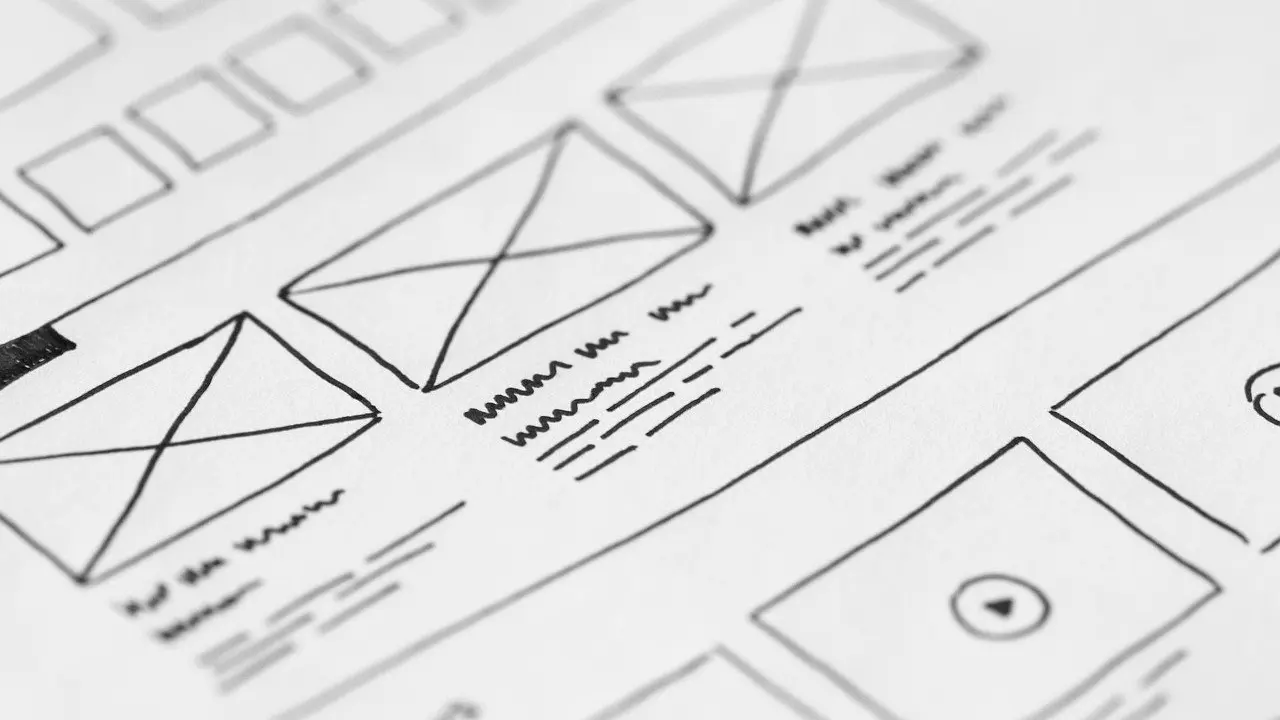
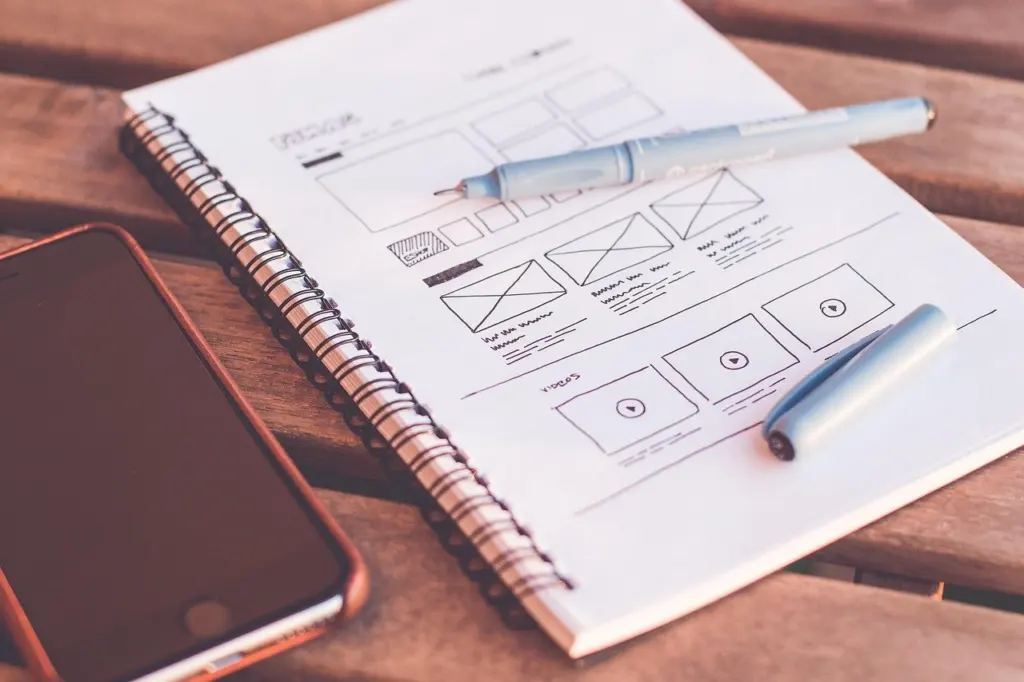
Each sample below makes one layout decision clearly, which makes it easier to borrow than a page that does everything at once. The sketch stage is the cheapest place to compare these decisions side by side.
Single-field form: Zenefits
Zenefits keeps the form above the fold with only one field, per the IMPACT annotation. This suits an offer where the next step is a simple enquiry and the visitor should not meet anything resembling work. If you must collect more data, the sample implies the form should arrive later, after the visitor has committed.
Distraction-free page: Sheffield Metals
The Sheffield Metals page combines a bold call-to-action button that stands out and guides the eye with the removal of links and popups. The two choices reinforce each other: with nothing else to click, the button becomes the obvious next move. This layout suits paid-traffic pages where every exit is a lost visit.
Short trial form: Shopify
HubSpot’s annotation of the Shopify trial page notes that only a few fields need filling before you get started. It is a good model for a trial or signup page where the visitor already understands the product and only needs a low-friction way in.
Software or app launch: Mailchimp Bandmates
For a new service, software product or mobile app, Mailchimp’s Bandmates template is aimed at promoting the launch and collecting notification signups. Mailchimp says each of its new templates includes a prominent signup form, which is the right default for a SaaS or app page: the form, not the product tour, is the centre of the layout.
How images should work on a landing page
Images on a landing page should show the visitor the outcome or the offer, and they should never compete with the call to action. IMPACT lists relatable photos of people as a common feature of effective pages because they help visitors envision themselves after getting the offer.
Relatable people: Uber and Amazon
The Uber page makes use of a big image of a friendly, relatable person, and the Amazon page uses friendly, relatable images that show a diverse audience, according to IMPACT’s annotations. A person-led hero works when the offer is a service the visitor will personally use. It is a weaker fit when the offer is a downloadable asset, where showing the asset itself is clearer.
Imagery matched to the offer: EF Ultimate Break
EF Ultimate Break pairs enticing, high-quality imagery with the offer and messaging. The lesson is alignment: the picture and the headline should tell the same story, so the visitor never has to reconcile them.
Your own images in a template
Mailchimp’s templates are built so you can plug in your own copy and imagery. That is useful, but it moves responsibility to you: a generic photo dropped into a strong structure weakens the page. Image weight also counts, because Colorlib lists page speed among the factors a template cannot control. For dimensions and file-size choices, see Best Image Size for Website: Practical Guidelines to Speed Up Pages and Look Great in 2026 – Imagesup.
Call to action, copy and trust
The call to action is the element every other part of the page supports, so it should be the easiest thing to find. Sheffield Metals relies on a bold button that guides the eye. Mailchimp’s templates take a similar line, using eye-catching drop shadows to draw attention to call to action buttons.
- Make the button the strongest element. Contrast, size and a shadow all help, but only if nothing else on the page is competing for the same attention.
- Back the claim with social proof. IMPACT lists social proof that backs up the brand’s claims as a common feature of effective pages, and it belongs near the button, where hesitation happens.
- Keep the form proportionate to the offer. The Zenefits and Shopify samples both keep the ask small; a lengthy form needs a correspondingly strong offer.
- Protect the single goal. A second competing action, such as a secondary link or popup, dilutes the first.
Responsive layouts and mobile checks
Responsive design is a requirement rather than a feature. Mailchimp states that all of its landing templates are mobile optimized, and HubSpot markets its builder as producing pages that look great on any device. Those are vendor statements, so confirm the result on your own page by opening it on a phone and checking three things: the hero image still shows its subject, the call to action is visible without hunting, and the form is usable.
A hero image is the element most likely to break when a wide layout becomes a narrow one. Using css object-fit cover lets the picture fill its container by cropping rather than stretching, so faces and products keep their proportions.
A/B testing layouts
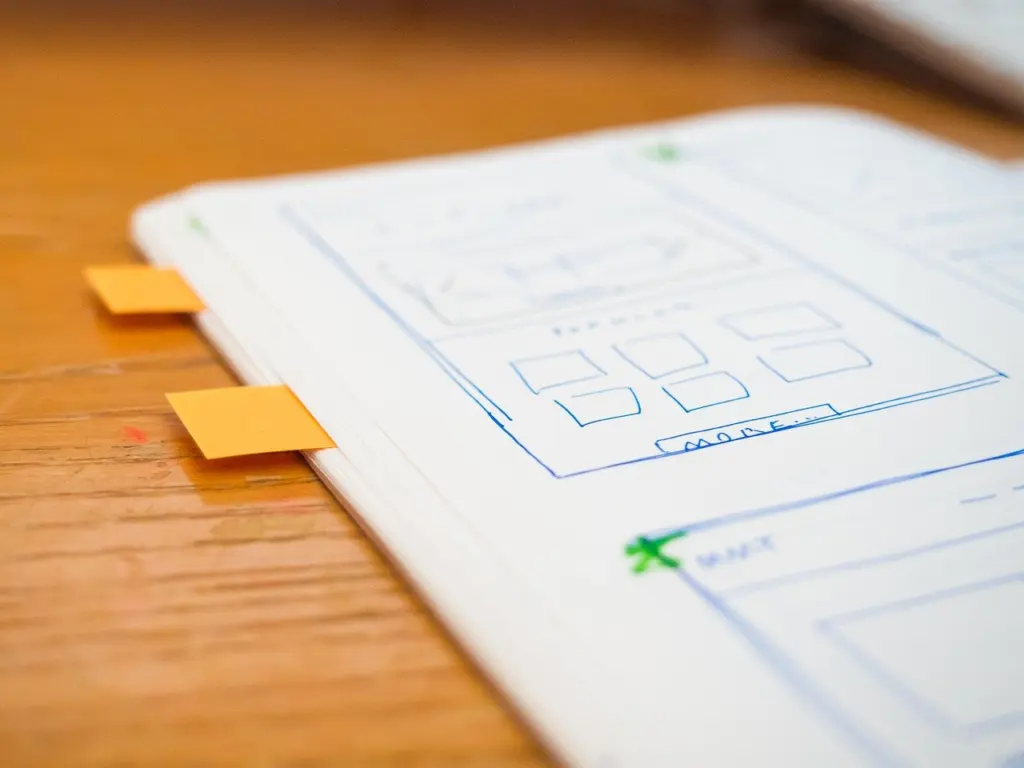
A/B testing compares two page styles served at the same web address: each visitor sees one version, and by looking at how well each does, you can pick the one that works better, as HubSpot explains. The samples above give you ready-made hypotheses, because each one makes a single, testable choice.
- Pick one change tied to a question. For example, a person-led hero image against a product-led one, or a short form against a longer one.
- Keep everything else identical. If the headline, image and button all change together, you cannot say which change moved the result.
- Serve both versions at the same address. Visitors are split between them, so the comparison is made under the same conditions.
- Compare performance and keep the better version. Record what you changed and what happened so the next test starts from evidence.
Test the mobile version separately from the desktop one when the layout differs, since the hero image and button positions are not the same on a narrow screen.
Frequently asked questions
| Question | Answer |
|---|---|
| What is a typical landing page conversion rate? | Colorlib reports that average landing page conversion rates range from 2-5% across industries, with well-optimized pages regularly reaching 10-15%. Treat the higher range as what strong pages sometimes achieve, not as a target for any given offer. |
| How much copy should a landing page have? | HubSpot suggests around 250-300 words unless the offer is very complex, in which case the page can reasonably run longer. |
| Does a SaaS landing page follow different rules? | The same single-offer logic applies; what changes is the offer. Shopify’s page asks for a trial signup with few fields, and Mailchimp’s Bandmates template collects notification signups for a new service, software or mobile app. |