| Inspiration source | What it offers | Planning use |
|---|---|---|
| Awwwards | Vets sites on design, creativity, user experience and technical proficiency; award sites vary in how often they award (site of the day, month and year) | Use for ambitious image treatment, and check the technical side, not only the look |
| Site Inspire | Described as having superb navigation and filtering options | Use when you need to narrow a large pool to the pages that suit your project |
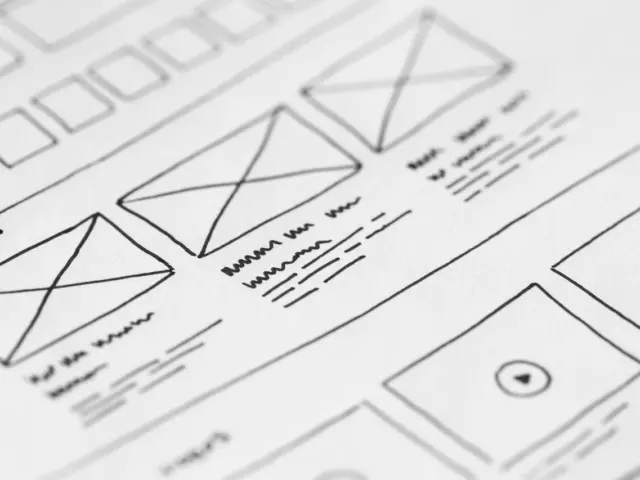
| Behance | Shows initial sketches, wireframes, iterations and the final product | Use to see how an image-led layout was reasoned, not just how it ended up |
| Lets you pin images and links in one place | Use to assemble a mood board before committing to a layout | |
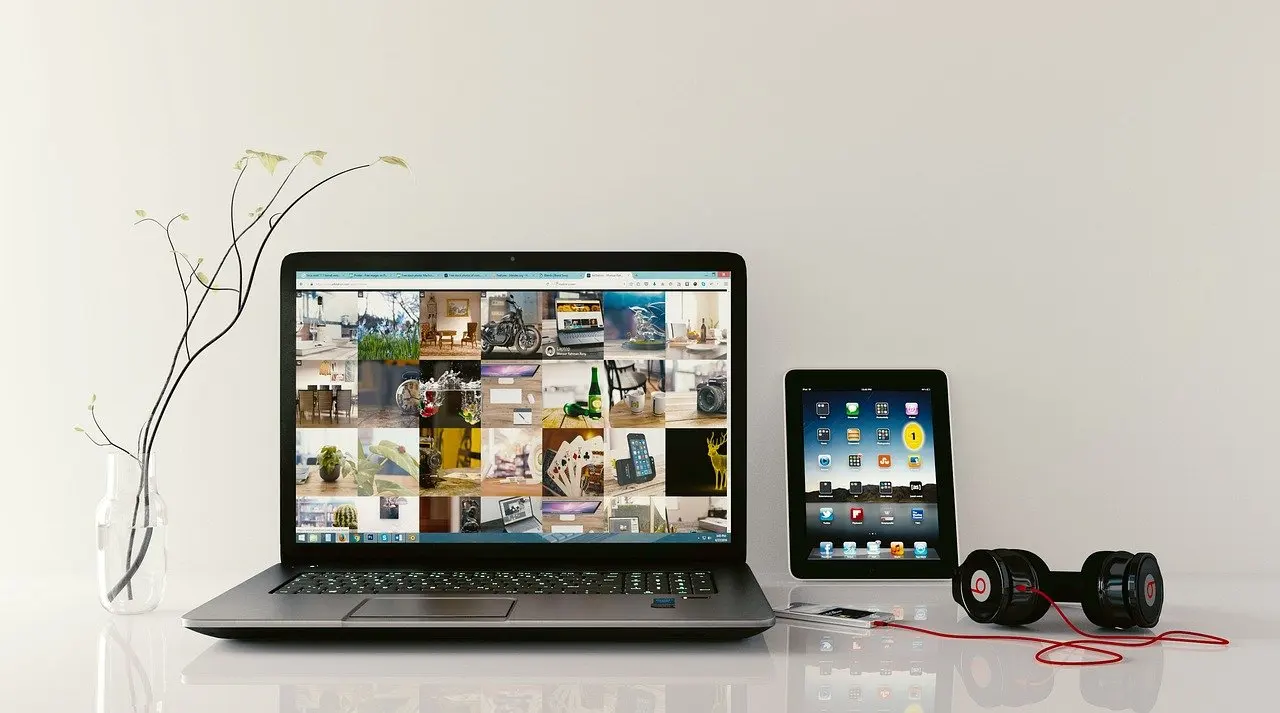
| Bookmarkify | Personal library with grid, fullscreen, triple, long and mobile viewing modes, plus tags | Use to compare saved references at desktop and phone proportions |
The sources above come from HubSpot’s designer resources and Bookmarkify’s guide to inspiration sites.
Good web design inspiration for image-heavy sites comes from galleries that show live work and from process platforms that show how a layout was built; judge each reference by how it presents pictures, then adapt the pattern rather than copy it.
The sections below rank sources by how well they handle photography, describe layout patterns worth borrowing and show how to rebuild them as your own. For the wider rules on pairing photos with page structure, read web design with images best practices.
Sources worth bookmarking for image-led work
The right source depends on what you need to learn: finished results, the working process, or a quick visual direction. Treating them all as one pool of screenshots wastes the strengths of each.
Award and curated galleries
Awwwards suits you when you want to see images pushed hard. Its jury vets sites on design, creativity, user experience and technical proficiency, so an entry has been judged on more than appearance, according to Bookmarkify. Award sites also differ in how often they give awards and in how you can search them, as HubSpot notes, so check how a gallery is organised before you trust its front page as a trend signal. Site Inspire is described there as having superb navigation and filtering, which makes it the better choice when you already know the type of page you want and need to filter down quickly.
Process platforms: Behance and Dribbble
Behance is an Adobe-owned platform where designers post their work, according to UXPin. Its main value for image-led sites is that projects can show sketches, wireframes and iterations alongside the final product. If you want to understand why a photo sits where it does, a project with its working stages beats a polished screenshot.
Dribbble is a similar platform where designers showcase work, and UXPin adds that it also works as a marketplace for themes and templates. Choose it for quick visual scanning of single screens. Because shots there are often isolated, check them against a live site before assuming the layout holds up with real photography.
Pinterest and personal libraries
Pinterest makes gathering inspiration easy because you can pin images, links and more, which is why it works well as a mood board tool. A mood board is most useful when it is selective: pin the picture treatments you want to echo, not every site you admire. Bookmarkify, by contrast, builds a personalised visual library with tags and several viewing modes, including a mobile one. That mobile view matters for photo-led work, because a layout that looks balanced on a wide screen can lose its focal point on a phone.
Layout patterns worth borrowing
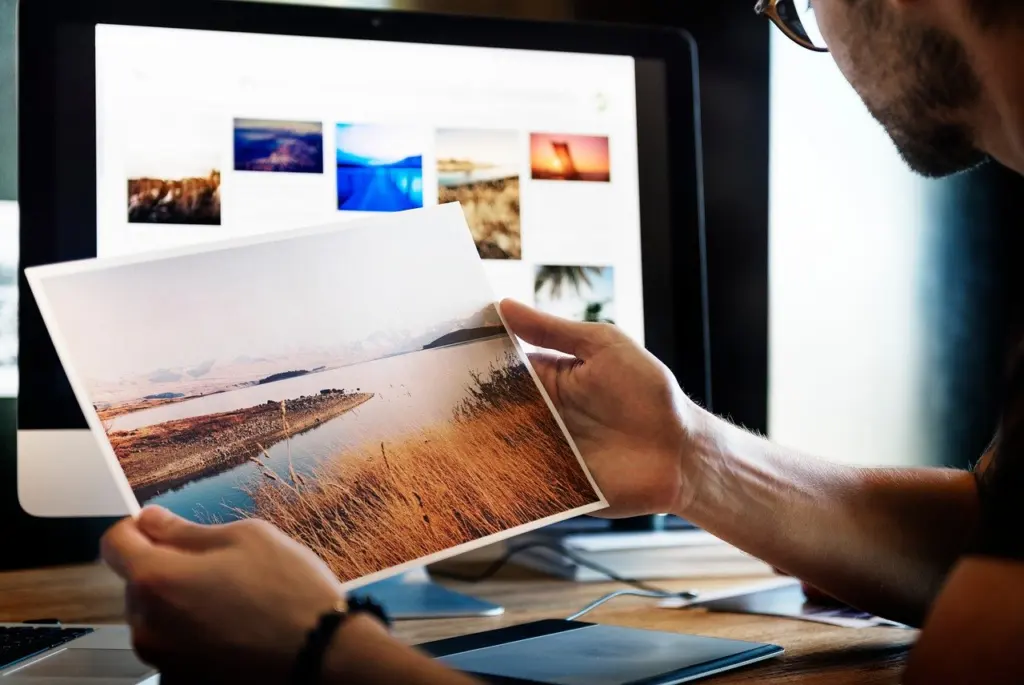
Patterns that work for photography share one trait: the layout steps back so the image can carry the message. Study how much space each pattern gives the picture and what it asks the visitor to do next.
The immersive hero
UXPin points to a WordPress-built resort site that shows its surroundings with immersive video and images inside a minimal layout. The lesson is restraint. The images complement the interface elements and help tell the resort’s story, rather than sitting beside text as decoration. If you borrow this pattern, give the lead image the most space, keep navigation light and make sure the picture communicates your subject without a caption.
Gallery grids
A tiled grid is the plainest gallery pattern. It gives every image similar weight and makes browsing obvious, which suits portfolios where each frame deserves equal attention. Layouts that vary tile size trade that evenness for more rhythm. For a closer look at how these approaches differ, see these photo gallery layout ideas.

Portfolio and editorial pages
Portfolio sites tend to pair large images with short, confident text, and studying finished examples shows how headings, captions and spacing support the pictures. The sibling guide 12 Inspiring Graphic Design Portfolio Website Examples To Study In 2026 – Imagesup walks through specific cases. Whichever pattern you pick, remember that designers must consider how a design translates to multiple screen sizes and devices, according to UXPin. That is the core of responsive design: judge each reference on a phone first, because a hero that works on a monitor may crop the subject awkwardly on a narrow screen.
Adapting a pattern without copying
Copying fails for a practical reason as well as an ethical one: a layout built around someone else’s photographs rarely fits yours. Lasso-up recommends looking at a range of website patterns and layouts, from various perspectives, to see what resonates with your brand. That framing is the right test. Ask what the pattern does for the pictures, then rebuild it around your own.

- Name the job of the pattern. Write down what the reference does with its images: leads with one hero, groups work in a grid, or alternates picture and text.
- Study the process where it is shown. On Behance, compare the sketches and wireframes with the final product to see which decisions were structural and which were surface styling.
- Sketch your own structure. Draw a wireframe using your actual photographs and their real proportions, not placeholder boxes.
- Change the variables. Alter the spacing, type, colour and image order until the layout answers your content, not the reference.
- Check it at every size. View the result on phone and desktop proportions, as responsive design requires, and fix crops that lose the subject.
- Keep a note of what you took. Tag the idea in your library so you can see whether you are drawing from many sources or leaning on one.
A useful warning sign is when you can name the single site your layout resembles. If so, return to the sketch stage and start from your photographs rather than from the reference.
Trends to try and what they cost
Visual trends are attractive on photo-led sites because pictures give motion and transitions something to work on. The cost shows up in load and usability, so match each trend to the job of the page.
- Immersive animation and page transitions. UXPin cites Wildcatter for creating an immersive experience with fun animations and page transitions. The same source warns that complex, animation-heavy designs are tricky because they often result in poor performance. Try them on a landing page or case study, not across every gallery page.
- Immersive video and image heroes. They can carry a brand story strongly, as the resort example shows. Keep the surrounding layout minimal so the media is the only heavy element.
- Busy, effect-rich layouts. Busy layouts and poor performance can distract users and lead to poor conversion rates, according to UXPin. For a portfolio whose goal is an enquiry, this is a direct reason to simplify.
The guiding rule from the same source is that visual design and effects should not impact the site’s usability or distract from the content. For a photographer, the content is the photograph, so any effect that competes with it has failed.
Keeping image-led pages fast
Speed is a design decision as much as a technical one. Every trend and pattern above carries a performance consequence, and the heaviest choices are the ones that add effects around the images rather than the images themselves.
- Let a few images do the work. A hero or a restrained grid asks less of the page than a layered, animated composition, and it follows the minimal-layout approach of the resort example.
- Test on the smallest screen you support. Multi-screen behaviour is part of the job, and a page that holds together on a phone has usually shed unnecessary weight already.
- Remove effects before removing pictures. If a page feels slow, cut animation and transitions first, because poor performance is the stated cost of complex animation-heavy design.
- Judge inspiration sources on technical merit. Awwwards’ jury weighs technical proficiency alongside design, so entries there are a better model for fast, well-built pages than a screenshot with no live site behind it.
Specific file formats and size targets belong in the wider guidance on web design with images best practices.
Frequently asked questions
How many examples do inspiration sites list, and how should I browse them?
Craftwork’s index alone lists 2,900+ website examples, so scrolling from the top is not practical. Use filters and tags to reach the pages that match your subject, then save only the references you can explain.
Should I only look at sites in my own field?
No. Lasso-up advises searching your industry niche outside your geographic borders and looking beyond your competitive sphere, which stops your site from resembling nearby competitors.
Can I find designers to hire through inspiration platforms?
Yes. According to UXPin, Dribbble lets designers showcase their work and also supports hiring, as well as acting as a marketplace for themes and templates.